Plan
Start with what needs your attention today
Prioflo separates Today from Inbox so your daily planner does not become another overwhelming to-do list. Today stays focused on the few priorities that deserve your attention now.

Prioflo helps you turn a messy task list into a focused daily plan. Capture everything in Inbox, choose what belongs in Today, use focus tools to stay locked in, and review progress at the end of the day.
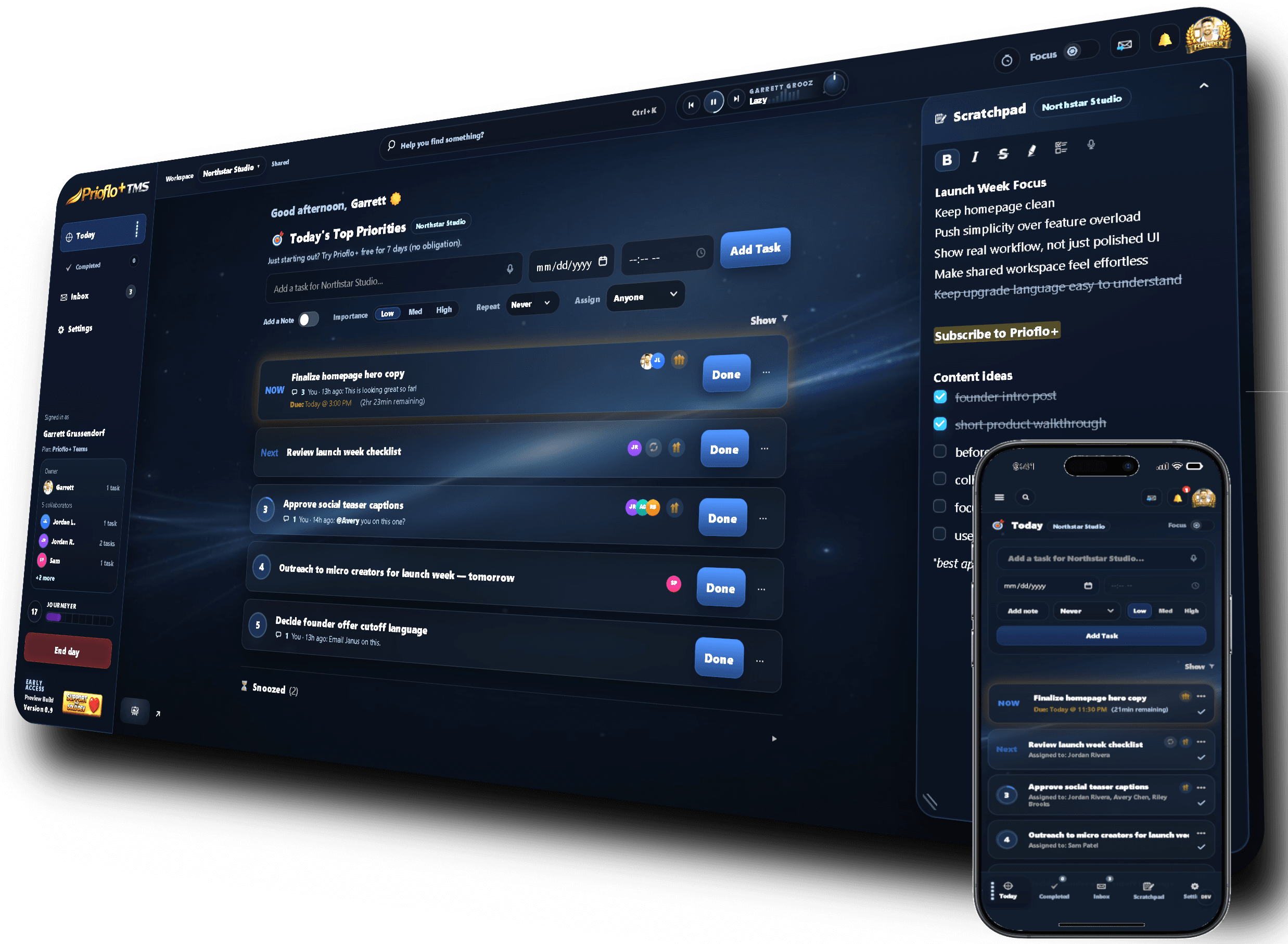
Prioflo separates Today from Inbox so your daily planner does not become another overwhelming to-do list. Today stays focused on the few priorities that deserve your attention now.
Built-in focus tools help you protect deep work after you choose your priorities. Use Focus Timer, Focus Mode, Focus Radio, and Focal Ambience without jumping between apps.
Daily tracking and reporting help you see what was completed, how much focused work happened, and what progress looked like without building a manual report from scratch.
Keep the day centered around the tasks that matter most instead of staring at an endless list.
Add ideas, tasks, and reminders quickly, then decide later what should move into Today.
Small daily prompts guide action without turning the home screen into a crowded dashboard.
Separate personal projects, work priorities, and shared workspace tasks while keeping the daily flow simple.
Use timer sessions, focus mode, music, and ambience to create a better environment for getting work done.
Review completed tasks and progress so the day feels closed instead of unfinished and scattered.
Prioflo is built around planning and execution together. It helps you choose today’s priorities, then gives you focus tools and progress tracking to help you actually work through them.
Yes. You can keep tasks in Inbox, move important work into Today, and use Prioflo as a clean task manager even before using advanced planning or focus features.
Yes. The Today and Inbox split is designed to reduce task overload by keeping your working view focused on what needs attention now.
Both. Individuals can use Prioflo for personal daily planning, while Prioflo+ Teams adds shared workspaces, assigned tasks, member permissions, and collaborative notes.
Daily planning, priority sorting, and focus tools work best together.