
How to use a focus timer without turning productivity into another chore
Learn how to use a focus timer for practical work sessions, better task momentum, and calmer daily planning without overcomplicating your productivity system.
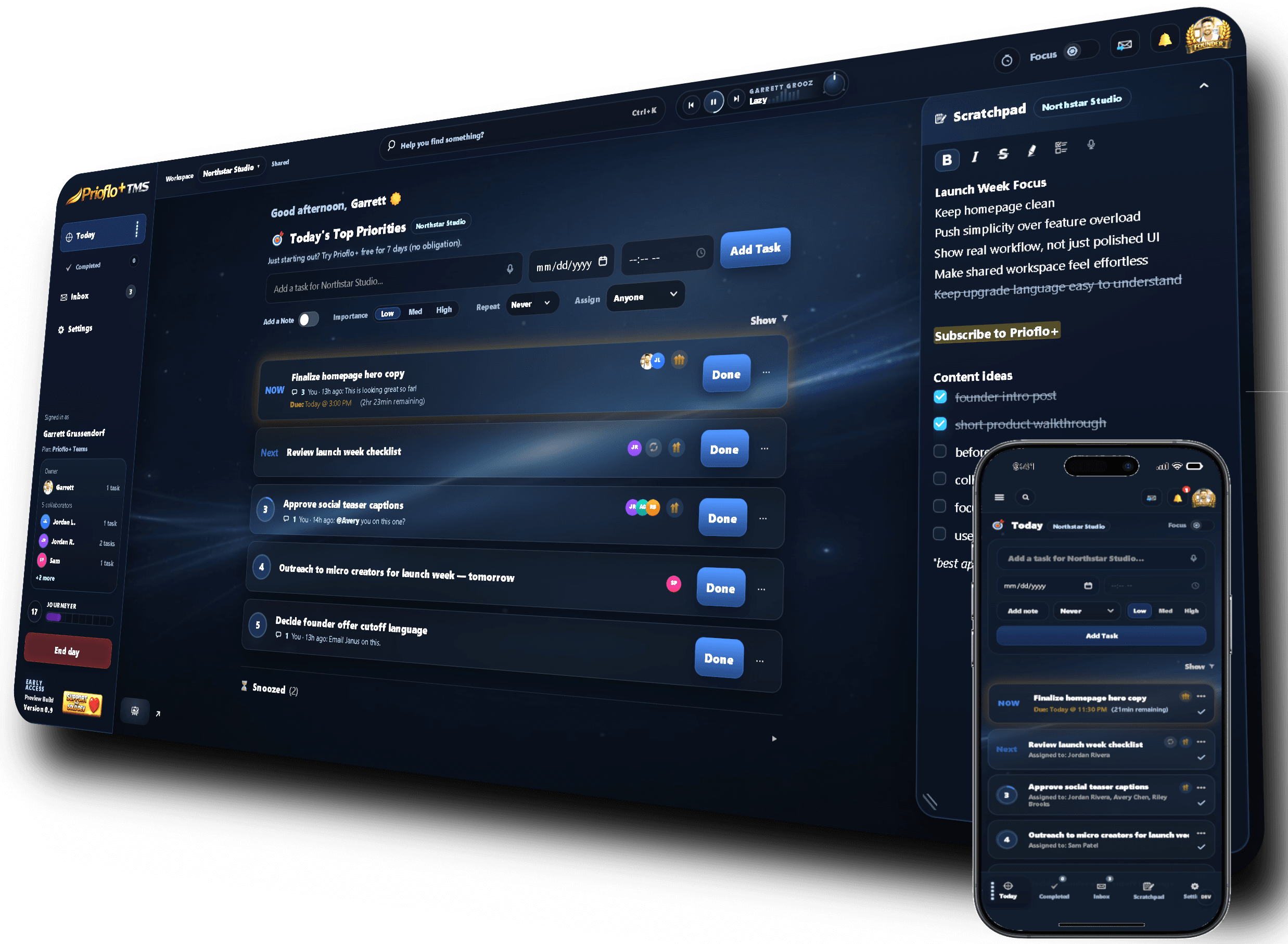
Use a focus timer by choosing one task, setting a session length you can finish, working until the timer ends, then recording what changed. The timer should support action, not become another thing to manage.
A simple workflow you can actually follow
Choose the task first
A timer works best when it has a job. Pick the priority before starting the clock so the session begins with direction.
Set a realistic duration
Use a session length that feels approachable. A completed short session is better than an ambitious one that creates resistance.
Avoid switching tasks mid-session
If another task appears, capture it and return to the active session. The timer is there to protect attention.
Review the outcome
At the end, mark progress, complete the task, or adjust the next step so the work does not disappear into a vague half-finished state.
A focus timer is not just a clock
The value of a focus timer is that it turns a vague intention into a defined work block. It gives the task a start, an end, and a reason to ignore distractions for a while.
When a timer helps most
Timers are especially useful for tasks that are important but easy to avoid. They lower the emotional weight of starting because you only need to commit to the next session, not the entire project.
- Use it for deep work.
- Use it for starting stuck tasks.
- Use it for admin work that tends to sprawl.
How Prioflo makes timers part of the daily flow
Prioflo keeps the focus timer close to your priorities, so timing work is connected to what you planned for the day. Focus sessions can support focused time tracking and daily progress instead of living in a separate app.
Practical questions before you try it
Should I use a focus timer for every task?
No. Use a focus timer when you need protected attention, momentum, or a defined work block. Quick tasks do not always need one.
What should I do if I get interrupted during a focus session?
Capture the interruption if needed, then return to the active task. If the interruption is urgent, pause and restart with a new clear task later.
Is a focus timer the same as Pomodoro?
A Pomodoro timer is one style of focus timer. The broader idea is to create a defined work session with a start and end point.
Keep building a calmer workflow
These guides connect planning, prioritization, and focus into one practical system.